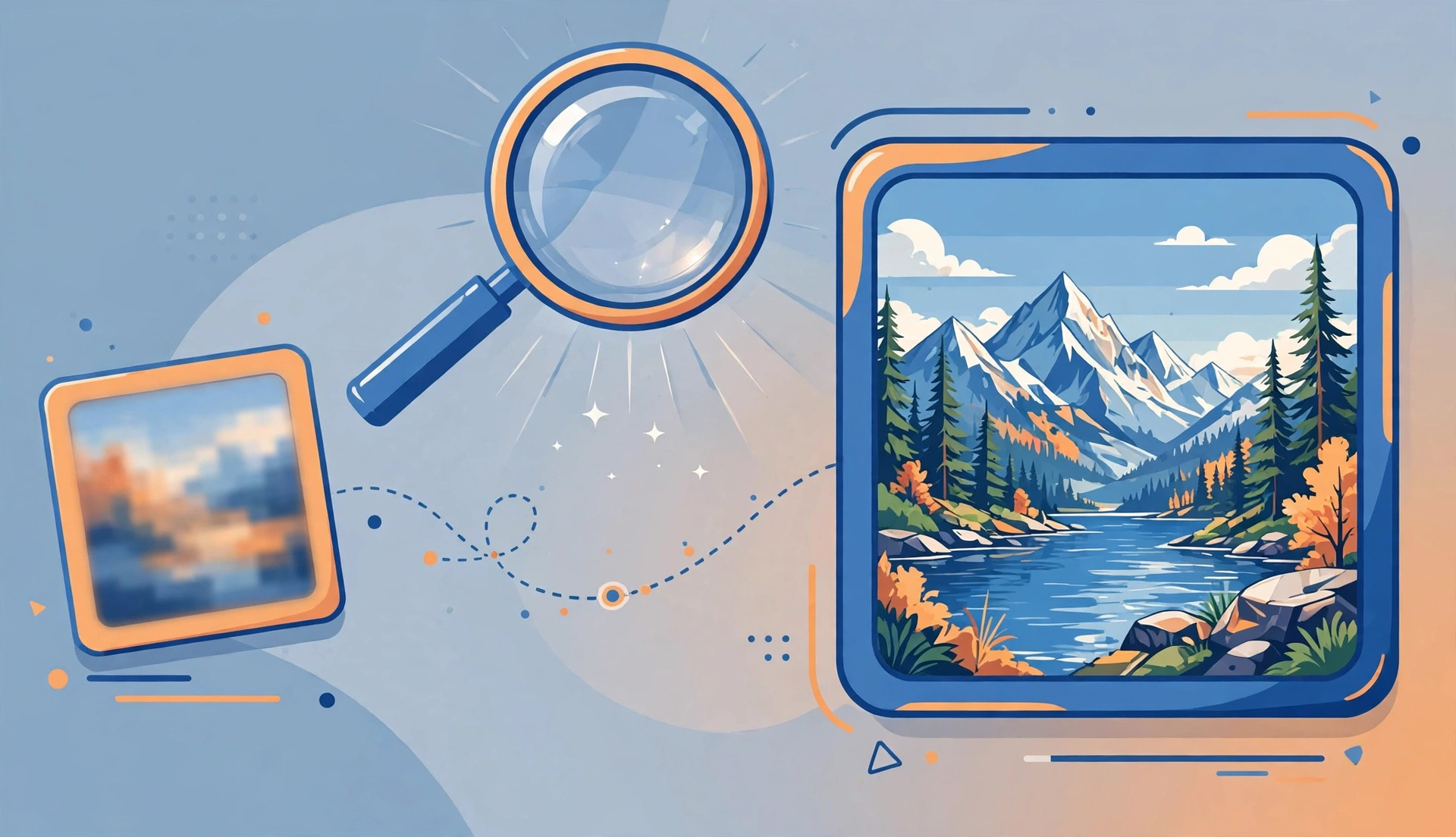
Best AI Image Upscalers in 2026 Compared for Beginners
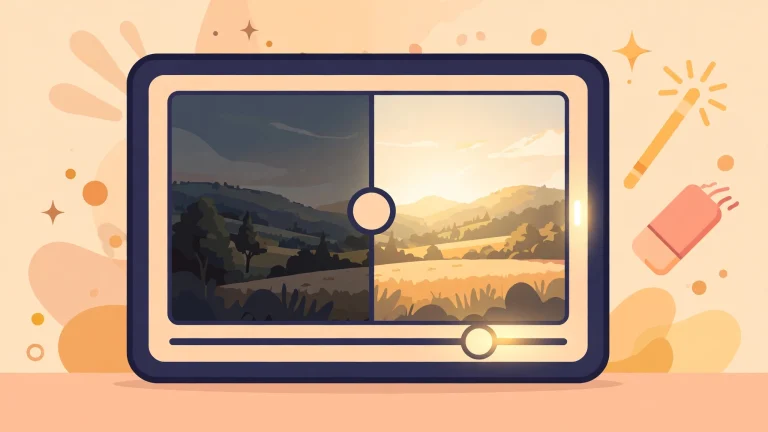
You have an old photo, a small logo, or an image you love that is just too low-resolution to print or post. Traditional enlarging makes it blurry, because it can only stretch the pixels that already exist. AI upscalers work differently: they analyse the image, recognise what it shows, and generate new detail that plausibly fills in the gaps. The results can be startling — but not every tool is equally good, and the best choice depends on what kind of image you have.
This guide compares the leading AI image upscalers available in 2026, explains how they differ, and helps a beginner choose the right one without wasting time or money on the wrong tool.
How AI Upscaling Actually Works
A traditional upscaler enlarges an image by interpolating — guessing the colour of new pixels from their neighbours. The result is smoother but blurrier, because no new information is created. An AI upscaler uses a machine learning model trained on millions of images. When it enlarges your photo, it recognises patterns — an eye, a leaf, a brick wall — and reconstructs detail that matches what such things usually look like.
This is both the strength and the weakness of the technology. When the model guesses well, the result looks genuinely sharper and more detailed. When it guesses wrong, it can invent textures that were never there — a phenomenon sometimes called hallucination. A face upscaled from a tiny, blurry original might gain plausible-looking but entirely invented features. For casual use, that is usually fine. For evidence, documentation or anything where accuracy matters, it is a serious limitation to keep in mind.
Most tools let you choose an upscale factor, typically 2x or 4x, and some offer specialised models for different image types: photos, anime, artwork, or text-heavy images. Choosing the right model for your image type matters more than choosing the most expensive tool.
What to Look for in an Upscaler
Before comparing specific tools, it helps to know what actually matters. Output quality is the obvious criterion, but it varies by image type — a tool that excels at photos may be mediocre at anime, and vice versa. Ease of use matters too: some tools are simple drag-and-drop websites, while others require installing software and adjusting settings.
Cost structure varies widely. Some tools offer a limited free tier, some charge per image, and some are one-time purchases or open-source software you run yourself. Batch processing matters if you have many images, and privacy matters if your images are personal — uploading sensitive photos to a free online service means trusting that service with your data.
Finally, consider maximum output size and format support. Some free tools cap the output resolution or add watermarks, and some only accept certain file types. Check these limits before committing to a tool for an important project.
The Leading Tools Compared
General-purpose online upscalers are the easiest starting point. They run in your browser, require no installation, and usually offer a free tier with a daily or monthly limit. Quality is good for everyday photos, and the simplicity suits beginners. The trade-offs are the free-tier limits, the need to upload your images to someone else’s server, and less control over the result.
Desktop and professional tools offer more control and higher quality, especially for print work. They let you choose models, adjust noise reduction and sharpening, and process batches of images without uploading them anywhere. They usually cost money, either as a subscription or a one-time purchase, and they require a reasonably capable computer. For photographers, designers or anyone upscaling images for print, the investment is usually worth it.
Open-source upscalers are the third option. They are free, they run on your own computer, and they are highly customisable — but they require technical setup, a decent graphics card for reasonable speed, and patience. They suit enthusiasts and developers more than casual users, though the quality can rival commercial tools once configured.
Specialised tools deserve a mention too. Some upscalers are tuned specifically for anime and illustration, where clean lines and flat colours need different handling than photographs. Others specialise in restoring old, damaged photos, combining upscaling with scratch removal and colour correction. If your images fall into a specific category, a specialised tool will usually outperform a general one.
If you are exploring AI tools more broadly, our guide to AI tools for students covers productivity tools in the same beginner-friendly style, and our guide to how to write better AI prompts helps you get better results from AI tools generally.
Upscaling Photos vs Artwork vs Text
The type of image you are upscaling should drive your choice. For photographs, look for a tool with a photo-specific model that handles skin texture, foliage and natural detail well. Aggressive sharpening can make photos look artificial, so a tool with adjustable noise reduction is valuable.
For digital artwork, anime and illustrations, choose a model trained on that style. General photo models tend to add unwanted texture to flat colours and clean lines, making artwork look muddy. Anime-specific models preserve line work and produce much cleaner results.
For images containing text — scanned documents, screenshots, signs — be cautious. AI upscalers can distort letterforms, turning readable text into plausible-looking gibberish. If text accuracy matters, a gentler upscale or a dedicated document enhancement tool is safer than an aggressive AI model. Always check the output closely before using it for anything important.
Free vs Paid: What Do You Actually Get?
Free upscalers are genuinely useful for occasional use, and a beginner should start with one before paying anything. The limitations are usually output size caps, daily limits, watermarks on some services, and slower processing during busy periods. For a handful of personal photos, these limits rarely matter.
Paid tools earn their price through higher resolution limits, batch processing, faster speeds, better models and privacy — your images stay on your own computer with desktop software. If you upscale images regularly, for work, or for print, a paid tool pays for itself quickly in time saved and quality gained.
A sensible approach is to test a free tool on your actual images first. If the results satisfy you, there is no need to pay. If you hit limits or the quality falls short on your specific image type, then consider a paid or open-source option. Do not buy a tool based on marketing samples — those are chosen to show the tool at its best.
Frequently Asked Questions
Does AI upscaling really add detail?
It generates plausible detail based on patterns learned from training images. The result can look much sharper, but the added detail is an educated guess, not a recovery of information that was in the original.
Can I upscale an image as much as I want?
Technically yes, but quality degrades with extreme factors. A 2x or 4x upscale usually looks good; pushing to 8x or 16x from a tiny original produces increasingly invented detail.
Will upscaling fix a very blurry photo?
Partly. AI upscaling can sharpen a moderately soft image impressively, but a severely blurred or tiny original has too little information to work with, and the result will look artificial.
Are free AI upscalers safe for personal photos?
Read the privacy policy before uploading personal images. Reputable services delete uploads after processing, but free services vary. For sensitive photos, prefer desktop software that processes images locally.
Can I use upscaled images commercially?
That depends on the tool’s licence and on your rights to the original image. Check both before using an upscaled image in commercial work, and remember that upscaling does not grant you rights you did not already have.
Conclusion
The best AI image upscaler in 2026 is not a single tool — it is the tool that matches your image type, your budget and your privacy needs. Start with a free online upscaler for casual photos, try a specialised model if you work with artwork, and move to desktop software when you need batch processing, print quality or local privacy.
Whatever tool you choose, keep your expectations honest. AI upscaling is remarkable technology, but it reconstructs rather than recovers, and the results deserve a careful look before you print, publish or rely on them. Used with that understanding, it turns images you thought were unusable into images worth sharing — which is a genuinely useful trick to have.