Best AI Tools for HR and Recruiters in 2026: A Beginner’s Guide
Best AI Tools for HR and Recruiters in 2026: A Beginner’s Guide
Hiring is one of the most time-consuming jobs in any organisation. A single open role can attract hundreds of applications. Each one needs to be read, assessed, and responded to. The best candidates need to be interviewed, scheduled, and evaluated. The paperwork — contracts, onboarding, compliance — takes hours more. For a small HR team, or a single recruiter handling many roles, the workload is relentless.
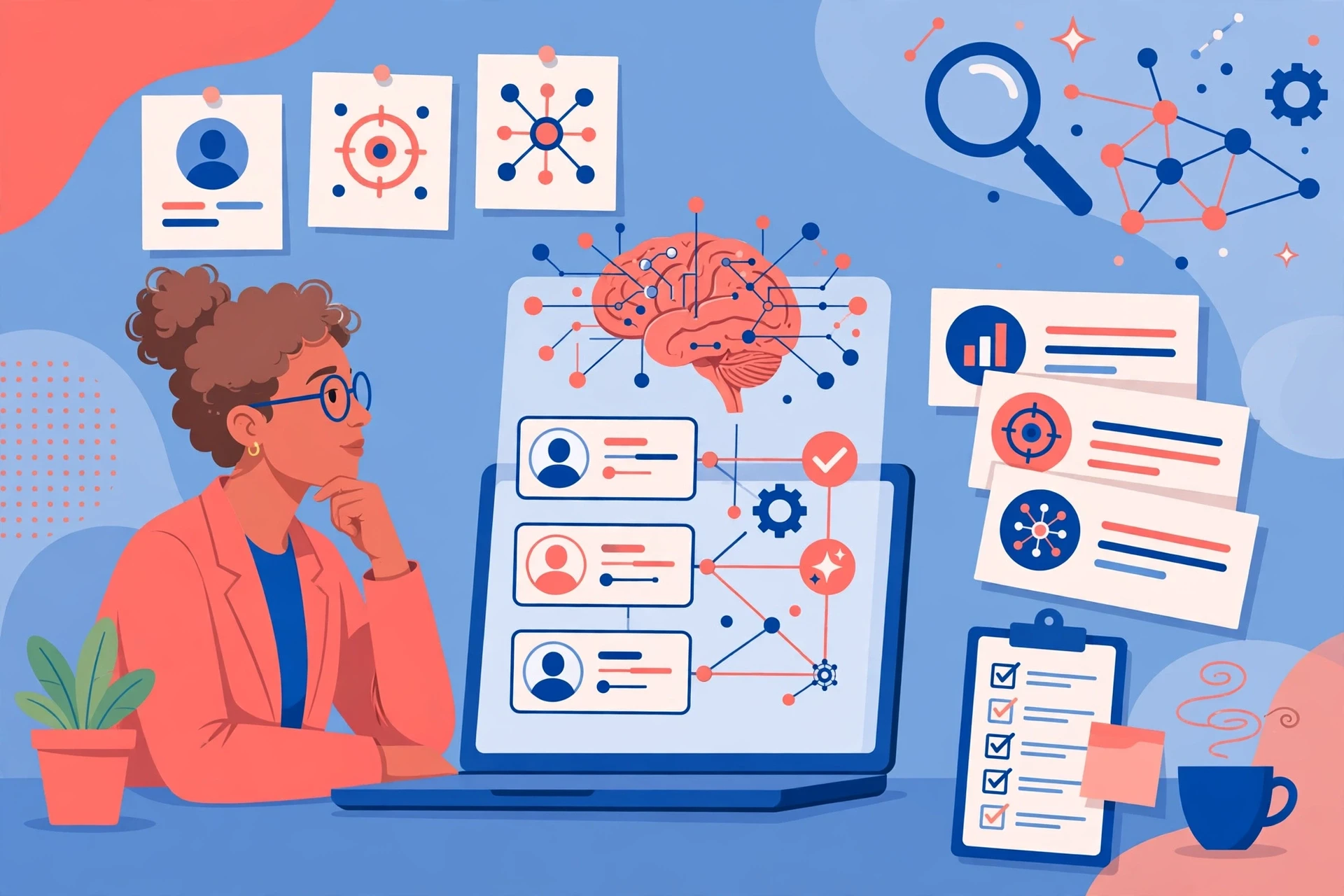
AI tools have changed that workload dramatically. They can read and rank resumes, source candidates from across the web, schedule interviews automatically, draft job descriptions, and handle the routine communication that surrounds hiring. They can also help with the parts of HR that come after hiring: onboarding new employees, answering their questions, and tracking their progress.
This guide covers the best AI tools for HR and recruiters in 2026, organised by what they do: sourcing, screening, interviewing, onboarding, and employee support. It is written for beginners — HR professionals and recruiters who are curious about AI but do not know where to start, what is worth paying for, and what the risks are. Because in hiring, the risks matter as much as the benefits, and this guide covers both honestly.
How AI Helps HR and Recruiters: The Big Picture
There are five main jobs where AI helps in hiring.
The first is sourcing — finding candidates. AI can search job boards, professional networks, and databases to find people whose skills and experience match a role, including people who are not actively looking for a job. It can also help write job descriptions that attract a wider range of applicants.
The second is screening — reading resumes and ranking them. When a role attracts hundreds of applications, AI can read them all, extract the relevant skills and experience, and rank the candidates so the recruiter can focus on the strongest ones first.
The third is interviewing — scheduling, conducting, and evaluating interviews. AI can schedule interviews automatically, transcribe them, and even analyse them for signs of skill or fit. Some tools conduct first-round screening interviews by video or chat, which can save hours of recruiter time.
The fourth is onboarding — getting a new hire up to speed. AI can automate the paperwork, answer common questions, and guide a new employee through their first weeks, so the HR team does not have to handle every query manually.
The fifth is employee support — answering HR questions, tracking leave, and helping employees find the information they need. AI chatbots can handle the routine questions, freeing HR staff for the complex ones.
AI Resume Screening: Reading Hundreds of Applications in Minutes
Resume screening is the most obvious place for AI to help, because it is the most repetitive part of recruiting. A popular role can attract 500 applications. Reading them all by hand takes days. AI screening tools can read them in minutes, extract the skills, experience, and qualifications, and rank the candidates against the requirements of the role.
The best tools do more than keyword matching. They understand that “managed a team of five” and “led a small team” mean similar things, even though the words are different. They can identify transferable skills, recognise equivalent qualifications, and flag candidates whose experience does not match the job description on the surface but is relevant underneath.
But there is a serious risk here, and it is the most important point in this guide: AI screening tools can be biased. If a tool is trained on data from past hiring decisions, and those decisions were biased — for example, if a company historically hired mostly men for a technical role — the AI can learn and repeat that bias, systematically downgrading candidates from underrepresented groups. Several high-profile cases have shown this happening in practice, and some companies have abandoned AI screening tools after discovering the problem.
For a beginner, the rule is simple: never let an AI tool make a final decision about a candidate. Use it to rank and to prioritise, but always review the results yourself, and always check whether the tool is systematically excluding a particular group. If you cannot explain why a candidate was rejected, you should not rely on the tool’s judgement. And make sure any tool you use complies with the employment and anti-discrimination laws that apply to you.
AI Candidate Sourcing: Finding People Who Are Not Applying
Most good candidates are not actively looking for a job. They are employed, they are busy, and they will not see your job advert. AI sourcing tools help you find them.
These tools search professional networks, job boards, and public databases to find people whose profiles match a role. They can identify candidates with the right skills and experience, even if they have not applied, and they can suggest ways to reach out to them. Some tools can also analyse a company’s existing employees to find the characteristics of successful hires, and then look for similar people elsewhere.
For a recruiter, sourcing tools can be a significant advantage, especially for hard-to-fill roles where the best candidates are not on the job market. But they also raise a question of quality over quantity. A tool that returns 500 possible candidates is not helpful if 490 of them are a poor fit. The best sourcing tools are the ones that rank their results accurately, so you can focus on the top few rather than wading through a long list.
There is also a privacy consideration. Sourcing tools collect information from public profiles, but candidates may not expect to be contacted about a job based on data they posted for another purpose. Be respectful in your outreach, be clear about how you found them, and do not use data in ways that would surprise or upset the person it belongs to.
AI Interview Tools: Scheduling, Transcribing, and Screening
Interviews are where hiring takes the most time, and AI tools help in three ways.
First, scheduling. Coordinating diaries between candidates, hiring managers, and recruiters is a logistical headache. AI scheduling tools can handle it automatically, finding times that work for everyone, sending invitations and reminders, and rescheduling when plans change. This sounds minor, but for a recruiter handling many roles, it can save hours per week.
Second, transcription and note-taking. AI meeting tools can record and transcribe interviews, summarise the key points, and highlight the candidate’s answers to specific questions. That means the interviewer can focus on the conversation instead of taking notes, and the hiring team can review the transcript afterwards. Our guide to the best AI meeting notes tools covers the options that recruiters use for this purpose.
Third, screening interviews. Some tools conduct first-round interviews by video or chat, asking standard questions and analysing the candidate’s responses. This can save a great deal of recruiter time, especially for high-volume roles. But it is also the most controversial use of AI in hiring, because it raises questions about fairness, accuracy, and the candidate experience. A candidate who is nervous on video may perform badly with an AI interviewer even though they would do well in person. And a tool that analyses facial expressions or tone of voice can be unreliable and discriminatory. If you use AI screening interviews, use them as a supplement to human judgement, not as a replacement for it, and always give candidates a chance to be assessed by a person.
AI Job Description Writing: Attracting the Right People
A good job description is one of the most important parts of hiring, and it is also one of the most neglected. Many job descriptions are copied from old templates, filled with jargon, and written in a way that discourages good candidates from applying. Research consistently shows that the language in a job description affects who applies — for example, descriptions that use very aggressive or competitive language tend to attract fewer women.
AI writing tools can help by drafting job descriptions, suggesting clearer language, and flagging words that might discourage some candidates. They can also tailor a description to a specific audience, adjust the tone, and check that the requirements are realistic rather than a wish list that no real person could satisfy.
Our guide to AI tools for job seekers looks at the same process from the candidate’s side, and it is a useful companion to this guide. And our guide to writing better AI prompts will help you get better job descriptions from an AI writing tool.
For a beginner, the advice is to use AI to draft, not to publish. Always review the job description yourself, check that it accurately describes the role, and make sure the requirements are genuinely necessary rather than a list of nice-to-haves that will exclude good candidates.
AI Onboarding: Getting New Hires Started
Hiring does not end when a candidate accepts an offer. Onboarding — the process of getting a new employee set up, informed, and productive — takes weeks, and it is often handled badly. New hires are left waiting for equipment, unsure who to ask for help, and unclear about what is expected of them.
AI onboarding tools can automate much of this. They can send the right documents at the right time, answer common questions through a chatbot, schedule introductions with colleagues, and track whether the new hire has completed each step. Some tools create a personalised onboarding plan based on the role, the team, and the new hire’s background.
The benefit is not just efficiency. Good onboarding improves retention — employees who have a positive first few weeks are more likely to stay. And for the HR team, automating the routine parts of onboarding frees up time for the personal parts: the welcome, the introduction, and the conversation that makes a new hire feel like they belong.
AI for Employee Support: Answering the Routine Questions
After hiring, AI can help with the day-to-day work of HR. AI chatbots can answer common employee questions — how many days of leave do I have left, how do I claim an expense, what is the policy on working from home — without involving an HR professional. That saves time for the HR team and gives employees faster answers.
Some tools go further, analysing employee feedback, tracking engagement, and flagging teams or departments where morale may be falling. These analytics can help HR identify problems early, before they become resignations. But they also raise privacy concerns, and they should be used transparently, with employees understanding what data is being collected and how it is used.
For a beginner, the rule is to start with the simplest use: a chatbot that answers routine policy questions. It is low-risk, it saves time immediately, and it gives you experience with AI in HR before you move on to more complex applications.
Choosing the Right Tools: A Beginner’s Approach
Start with your biggest time sink. For most recruiters, that is resume screening, so an AI screening tool is the best first investment. For HR teams that handle many interviews, a scheduling and transcription tool might save more time. For organisations that struggle with onboarding, an AI onboarding tool could be the best place to start.
Before you pay for any tool, use the free trial. Test it on a real hiring process, not on sample data. Check its accuracy, check whether it systematically excludes any group of candidates, and check whether it integrates with the systems you already use. And check the legal position: employment law, data protection law, and anti-discrimination law all apply to AI in hiring, and the rules are changing quickly. Make sure any tool you use complies with the laws that apply to you, and consult a legal adviser if you are unsure.
Also consider the candidate experience. A hiring process that feels impersonal, opaque, or unfair will damage your employer’s reputation, even if it is efficient. Candidates talk to each other, and they post reviews online. A tool that saves you time but drives good candidates away is not a good investment.
What AI Cannot Do in Hiring
AI cannot judge character. It cannot tell whether a candidate will be a good colleague, whether they will thrive in your culture, or whether they have the resilience to handle a difficult role. It can assess skills and experience, but the human qualities that make someone a great hire — curiosity, integrity, empathy, adaptability — are not things an AI can measure reliably.
AI also cannot take responsibility for a hiring decision. If a tool rejects a qualified candidate for a discriminatory reason, the employer is responsible, not the tool. That is why human oversight is not optional in hiring — it is a legal and ethical requirement.
And AI cannot replace the human parts of recruiting: the conversation that persuades a great candidate to accept an offer, the judgement that spots potential in someone whose resume does not look perfect, and the relationship that makes a new hire feel welcome. The recruiters who benefit most from AI are the ones who use it to free up time for those human tasks, not the ones who try to automate them away.
Frequently Asked Questions
What is the best AI tool for recruiters in 2026?
It depends on your biggest time sink. For high-volume hiring, an AI resume screening tool saves the most time. For hard-to-fill roles, an AI sourcing tool helps most. For interview-heavy processes, a scheduling and transcription tool is the best first investment. Start with one tool for one job.
Can AI screen resumes fairly?
Not always. AI screening tools can learn and repeat biases from past hiring data, systematically downgrading candidates from underrepresented groups. Never let an AI tool make a final decision about a candidate. Use it to rank and prioritise, but always review the results yourself and check for bias.
Is it legal to use AI in hiring?
It depends on where you are. Employment, data protection, and anti-discrimination laws all apply to AI in hiring, and the rules are changing quickly in many countries. Make sure any tool you use complies with the laws that apply to you, and consult a legal adviser if you are unsure.
Can AI conduct job interviews?
Some tools conduct first-round screening interviews by video or chat. They can save time, but they raise questions about fairness and accuracy, and they can disadvantage candidates who are nervous on video or who do not perform well with an AI interviewer. Use them as a supplement to human judgement, not as a replacement, and always give candidates a chance to be assessed by a person.
How much do AI recruitment tools cost?
Most AI recruitment tools use a monthly subscription, often priced per user or per job posting. Screening, sourcing, and scheduling tools each have their own pricing. Almost all offer a free trial, and you should always test a tool on a real hiring process before committing to it.
Will AI replace recruiters?
No. AI can automate the repetitive parts of recruiting — screening, scheduling, sourcing — but it cannot judge character, build relationships, or persuade a great candidate to accept an offer. Recruiters who use AI well will be more productive, because they will have more time for the human work that matters.
What is the biggest mistake HR teams make with AI?
Trusting it too much and checking it too little. AI tools can be biased, can make mistakes, and can create legal problems if used without oversight. The biggest error is letting a tool make decisions about candidates without human review. Always check AI output, always look for bias, and always keep a human in the loop.
How do I get started with AI in HR?
Start with one tool for your biggest time sink, use the free trial, and test it on a real process. Make sure it complies with the law, check it for bias, and keep human oversight in place. Once you trust one tool, add another. Do not try to automate everything at once.
Conclusion
AI tools have changed the daily work of HR and recruiting. They can read hundreds of resumes in minutes, find candidates who are not on the job market, schedule interviews automatically, draft job descriptions, and guide new hires through onboarding. For a small HR team, that can be the difference between keeping up and falling behind.
But hiring is not like other work. The decisions affect people’s lives, and the risks — bias, unfairness, legal problems — are real and serious. The recruiters who benefit most from AI are the ones who use it thoughtfully: to rank, not to decide; to draft, not to publish; to assist, not to replace. Start with one tool, test it on a real process, check it for bias, and keep a human in the loop. AI can make hiring faster. Only a person can make it fair.