Best AI Tools for Photographers in 2026: A Beginner’s Guide
Best AI Tools for Photographers in 2026: A Beginner’s Guide
Photography has always been two jobs: taking the picture and finishing it. The first job happens in the field, with light, composition, and timing. The second job happens at a desk, and for most photographers it takes far longer than the first. Sorting through hundreds of shots, picking the best ones, correcting exposure, removing distractions, retouching skin, and delivering a gallery to a client can consume hours for every hour spent shooting.
AI tools have changed that second job dramatically. They can sort your photos, pick the sharpest ones, remove objects with a click, upscale a low-resolution image, and even edit a whole wedding in your personal style while you sleep. They do not replace the photographer’s eye — the best tools are designed to learn from it — but they can give you back the hours you used to spend on repetitive work.
This guide covers the best AI tools for photographers in 2026, organised by what they actually do: editing, culling, retouching, upscaling, and client delivery. It is written for beginners — photographers who are curious about AI but do not know where to start, what is worth paying for, and what is just marketing. No tool in this guide is a magic button. Each one is a practical helper, and the guide explains what it does well, what it does badly, and who it suits.
How AI Helps Photographers: The Big Picture
Before we look at individual tools, it helps to understand what AI is actually doing in photography. There are four main jobs.
The first is culling — sorting through a large set of photos and picking the best ones. After a wedding or an event, a photographer can come home with thousands of images. Going through them one by one takes hours. AI culling tools analyse each image for sharpness, focus, expression, and composition, and they rank them so you can find the keepers quickly.
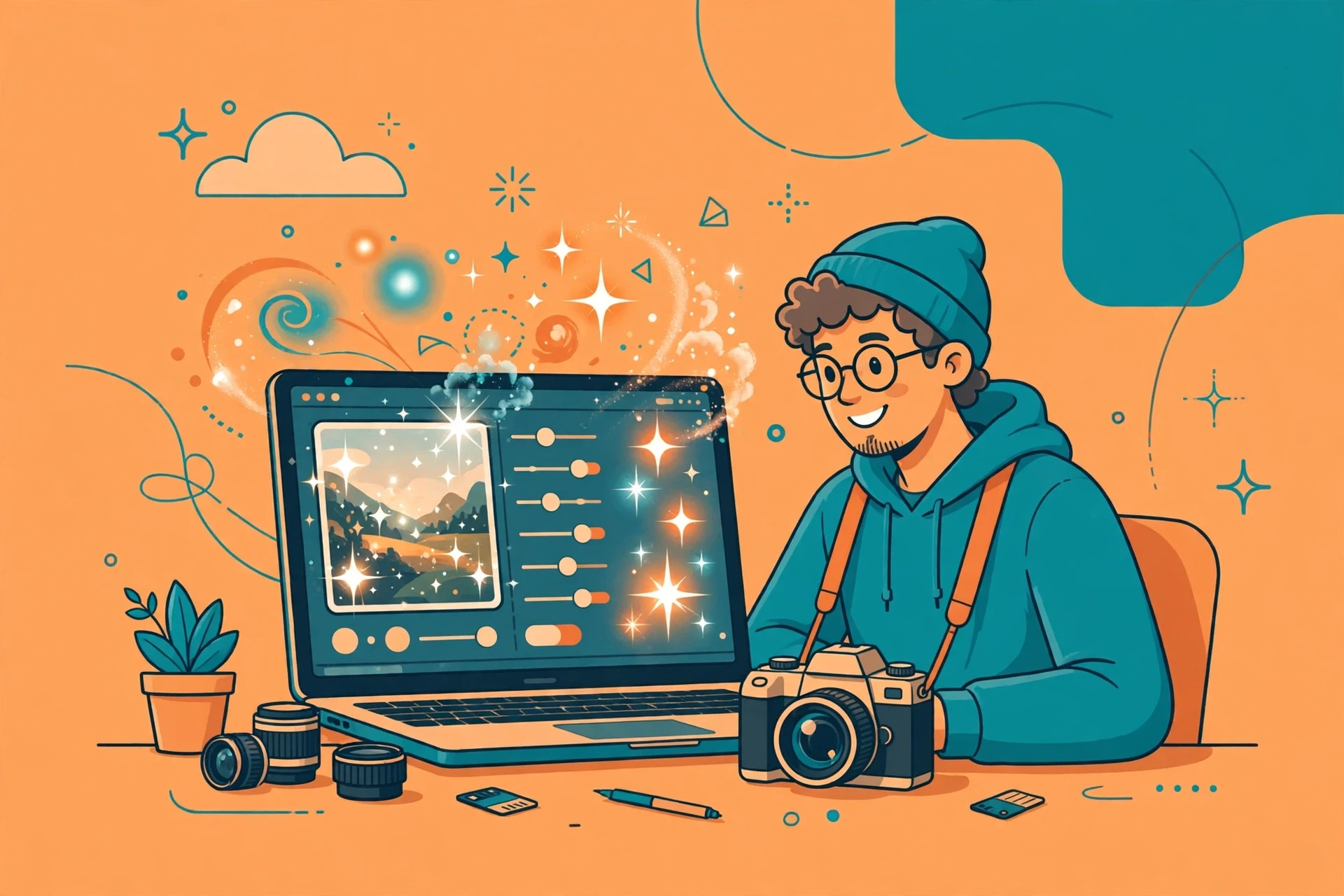
The second is editing — adjusting exposure, colour, contrast, and tone. AI editing tools can learn your personal style from your past work and then apply it to new photos automatically. Some can edit an entire shoot in minutes, with results that are close to what you would produce by hand.
The third is retouching and cleanup — removing objects, smoothing skin, whitening teeth, fixing backgrounds, and extending images beyond their original edges. These are the fiddly, time-consuming tasks that AI does very well, because they are pattern-based and repetitive.
The fourth is enhancement — upscaling a low-resolution image, sharpening a blurry one, reducing noise in a dark photo, or restoring an old picture. AI enhancement can rescue images that would once have been unusable, though it has limits, and it cannot create detail that was never there.
The tools in this guide cover all four jobs. Most photographers will not need all of them. The right approach is to identify your biggest time sink — usually culling or editing — and start with one tool for that job.
AI Editing Tools: Your Style, Automated
The most powerful AI tools for photographers are the ones that learn your editing style and apply it automatically. Instead of editing every photo by hand, you teach the tool what you like, and it does the rest.
The best-known tool in this category is an AI editing assistant that works as a plugin for Lightroom. You upload a set of your previously edited photos, the AI studies your choices — how you handle exposure, colour, contrast, and skin tones — and it builds a profile of your style. Then, when you import a new shoot, it applies that style to every image, usually in a few minutes. You review the results, adjust the ones that need it, and export. Photographers who use it report saving hours per shoot, especially on weddings and events where the volume of images is high.
Another approach is the AI masking and selection tools built into modern editing software. These can select a subject, a sky, a background, or a person’s skin with a single click, using AI to understand what is in the image. That makes local adjustments — brightening a face, darkening a sky, warming a background — far quicker than the manual masking that used to be required. Our guide to the best AI photo editing tools covers the main options in this category, and it is a good companion to this guide.
For beginners, the key point is this: AI editing works best when it learns from your own work. A generic preset applied to every photo will look generic. A profile trained on your edits will look like you. So before you invest in an AI editing tool, make sure you have a body of edited work to train it on — or be prepared to spend time refining its results until it matches your style.
AI Culling Tools: Finding the Keepers
Culling is the least glamorous part of photography and one of the most time-consuming. After a wedding, a photographer might have 3,000 images to sort through. Doing that by hand takes hours, and it is exhausting work that requires constant attention.
AI culling tools solve this by analysing each image and ranking it. They check whether the eyes are open and in focus, whether the expression is natural, whether the composition is strong, and whether the image is sharp or blurry. They can group similar shots together — for example, five frames of the same moment — and highlight the best one. They can flag duplicates, out-of-focus shots, and images where someone blinked, so you can delete them quickly.
The best culling tools also learn from your choices. When you accept or reject their suggestions, they adjust, so over time their picks match your taste more closely. That learning curve matters: a culling tool will not be perfect on your first shoot, but it will improve as you use it.
For a beginner, culling tools are one of the easiest wins in AI photography. They do not change your creative decisions — you still make the final choice about which images to deliver — they just make the process faster. If you shoot events, weddings, or sports, where the volume of images is high, a culling tool can save you more time than any other single piece of software.
AI Retouching and Cleanup: The Fiddly Jobs, Done Fast
Retouching is where AI feels closest to magic. Removing a stranger from the background of a portrait, erasing a distracting sign, smoothing skin without making it look plastic, whitening teeth, fixing a stray hair — these are tasks that used to take minutes each in Photoshop, and they are now often a single click.
The most widely used tool for this is the generative fill feature in modern photo editors. You select an area, describe what you want — or simply delete what is there — and the AI fills in the space with content that matches the surrounding image. It is remarkably good at removing objects, extending backgrounds, and cleaning up distractions. It is less reliable when it needs to create something complex, such as a person’s face or a detailed object, and the results should always be checked at full size before delivery.
Skin retouching has also improved dramatically. AI retouching tools can smooth skin, remove blemishes, and even out tones while preserving texture, so the result looks natural rather than airbrushed. The best tools let you control the strength of the effect, which matters — over-retouched skin is one of the easiest mistakes to spot, and clients notice it even if they cannot name it.
For beginners, the advice is simple: use AI retouching for cleanup, not for transformation. Remove distractions, fix small flaws, and clean up the image. Do not use it to change a person’s body, face, or appearance in ways they did not ask for. That is not just an ethical point — it is a practical one. Clients who receive heavily altered images are often unhappy with the result, even if they cannot explain why.
AI Upscaling and Enhancement: Rescuing Images
Sometimes a photo is almost good enough, but not quite. It is too small, too noisy, or too soft. AI upscaling and enhancement tools can help, by increasing the resolution, reducing noise, and sharpening detail.
Upscaling tools use AI to enlarge an image while adding plausible detail. They are useful when a client wants a large print from a small file, or when an old photo needs to be brought up to modern standards. Our guide to the best AI image upscalers covers the main options. The key point is that upscaling cannot create real detail that was never in the image — it can only make an educated guess about what the detail should look like. For prints and web use, that guess is usually good enough. For critical work, it is not a substitute for a properly captured original.
Noise reduction is another area where AI has made a real difference. Photos taken in low light used to be noisy and difficult to clean up without losing detail. AI noise reduction can remove much of that noise while preserving the texture of the image, which makes it possible to shoot in conditions that would once have been unusable. If you shoot events, concerts, or indoor portraits, this is one of the most practical AI tools you can use.
AI for Client Delivery and Business
AI tools are not only for editing. They can also help with the business side of photography: delivering galleries, writing descriptions, and communicating with clients.
Some gallery platforms now use AI to generate captions, suggest titles, and organise images into collections. Others use AI to help clients find their favourite photos, by recognising faces and grouping images by person. These features save time for the photographer and make the experience better for the client, who can find the photos they care about without scrolling through hundreds of images.
AI writing tools can also help with the less creative parts of running a photography business: writing emails to clients, drafting contracts, creating social media captions, and writing blog posts about a shoot. Our guide to AI tools for content creators covers the writing tools that photographers find most useful, and our guide to writing better AI prompts will help you get better results from them.
For a beginner building a photography business, these tools are worth exploring early. They will not replace the personal relationship with a client, but they can handle the repetitive communication that takes up so much of a photographer’s time.
Choosing the Right Tools: A Beginner’s Approach
With so many AI tools available, the risk is buying too many and using none of them well. A better approach is to start with one tool for your biggest problem, learn it properly, and add others only when you need them.
If you shoot weddings or events, start with a culling tool and an AI editing assistant. Those two will save you the most time, because volume is your biggest challenge. If you shoot portraits, start with a retouching tool and an AI masking tool, because your work is about quality rather than quantity. If you shoot landscapes or travel, start with an upscaling tool and a noise reduction tool, because your images often need enhancement rather than heavy editing.
Before you pay for any tool, use the free trial. Every reputable AI photography tool offers one, and it is the only way to know whether the tool matches your style and your workflow. Test it on a real shoot, not on sample images. Check the results at full size, not just on a small screen. And ask yourself the honest question: does this save me time, or does it just add another step to my process? If it does not save you time, it is not worth the money, no matter how impressive the demo looks.
What AI Cannot Do for Photographers
AI is a powerful helper, but it cannot replace the photographer’s eye. It cannot decide what makes a good photograph. It cannot understand the emotion of a moment, the story of a wedding, or the personality of a portrait subject. It cannot compose a shot, choose the right moment to press the shutter, or build a relationship with a client that makes them relax in front of the camera.
It also cannot fix a bad photograph. If the composition is wrong, the light is bad, and the moment has passed, no amount of AI editing will save it. The tools in this guide work best on good photographs that need finishing, not on bad photographs that need rescuing. That is why the fundamentals of photography — light, composition, timing, and connection with your subject — matter more than ever in the age of AI. The photographers who benefit most from these tools are the ones who already know how to take a good picture.
There is also an ethical dimension. AI can generate images that look like photographs but were never taken, and it can alter real photographs in ways that mislead the viewer. As a photographer, you should be transparent with clients about what you have changed, and you should never present an AI-generated image as a real photograph. Trust is the foundation of a photography business, and it is easily lost.
Frequently Asked Questions
What is the best AI tool for photographers in 2026?
It depends on what you need. For automated editing in your own style, an AI editing assistant trained on your past work is the most powerful option. For sorting large shoots, an AI culling tool saves the most time. For cleanup and retouching, generative fill and AI retouching tools are the most practical. Start with the tool that solves your biggest time sink.
Can AI edit photos in my personal style?
Yes, if you train it on your own work. The best AI editing tools learn from your previously edited photos and build a profile of your style — your exposure, colour, contrast, and skin tone choices — then apply it to new images. The results improve as you use the tool and correct its mistakes.
Will AI replace photographers?
No. AI can automate the repetitive parts of photography — culling, basic editing, cleanup — but it cannot take the photograph, understand the moment, or build a relationship with a client. Photographers who use AI well will be more productive, but the creative and human parts of the job remain irreplaceable.
Is AI photo editing cheating?
No, any more than using a digital camera instead of film is cheating. Editing has always been part of photography, from the darkroom to Photoshop. AI is a new tool for the same job. What matters is honesty with your clients about what you have changed, and not presenting heavily altered or generated images as unedited reality.
How much do AI photography tools cost?
Most AI photography tools use a subscription or a per-image price. Culling tools often charge per image or per shoot. Editing assistants usually charge a monthly subscription. Retouching and upscaling tools vary. Almost all offer a free trial, and you should always test a tool on a real shoot before paying for it.
Can AI upscale a low-resolution photo for printing?
Yes, within limits. AI upscaling can enlarge an image and add plausible detail, which is often good enough for prints and web use. But it cannot create real detail that was never captured, so for critical large prints, a properly captured high-resolution original is always better.
Do I need to learn AI to be a photographer in 2026?
You do not need to be an AI expert, but you should understand what AI tools can do and how to use at least one or two of them well. The photographers who ignore AI entirely will find themselves spending more time on repetitive work than their competitors. The ones who use it thoughtfully will have more time for the creative work that matters.
What is the best AI tool for wedding photographers?
Wedding photographers benefit most from a combination of an AI culling tool, to sort through thousands of images quickly, and an AI editing assistant, to apply their style consistently across a whole wedding. Together, those two tools can save hours per wedding, which is why they are the first investment for most wedding photographers adopting AI.
Conclusion
AI tools have changed the second half of photography — the sorting, editing, retouching, and delivery that used to consume hours for every hour spent shooting. The best tools do not replace the photographer’s eye. They learn from it, and they give the photographer back the time to do the work that actually matters: being in the field, connecting with people, and taking photographs that are worth editing.
Start with your biggest time sink. If you shoot events, try a culling tool. If you shoot portraits, try an AI retouching tool. If you edit hundreds of images in your own style, try an AI editing assistant trained on your work. Use the free trial, test it on a real shoot, and be honest about whether it saves you time. And remember that the fundamentals — light, composition, timing, and connection — matter more than ever, because AI can finish a good photograph, but it cannot take one for you.